Make your models retro

4FXELIZER

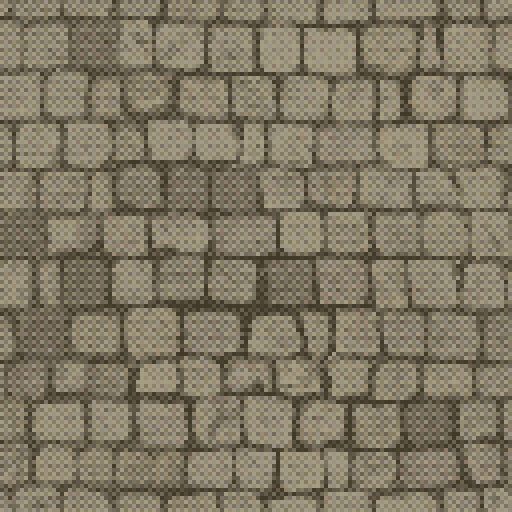
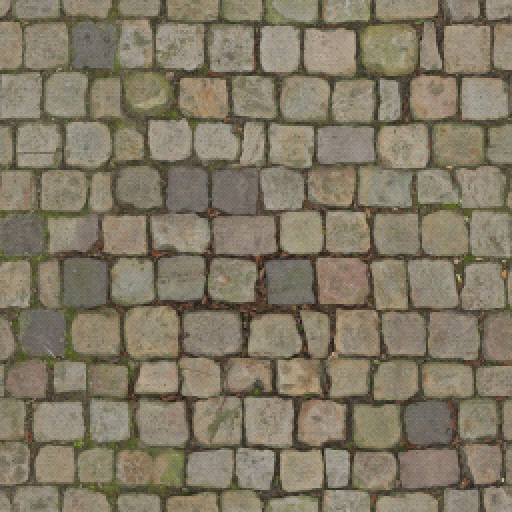
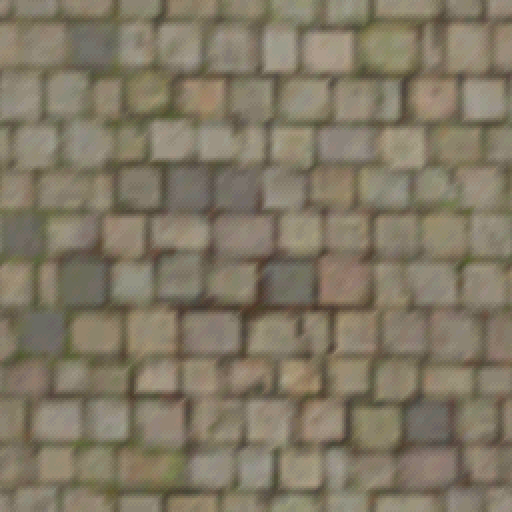
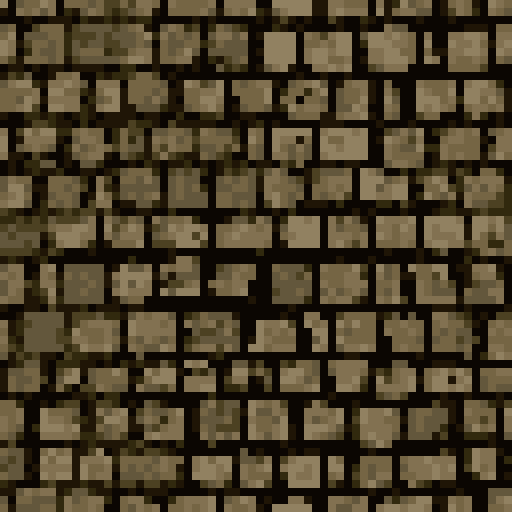
Big textures in. Small, palettized, dithered out. A desktop app for artists that turns high-res textures into crunchy PSX-era ones, live on the GPU.

Windows · macOS · Linux · free and open source

3D view

See it on your model

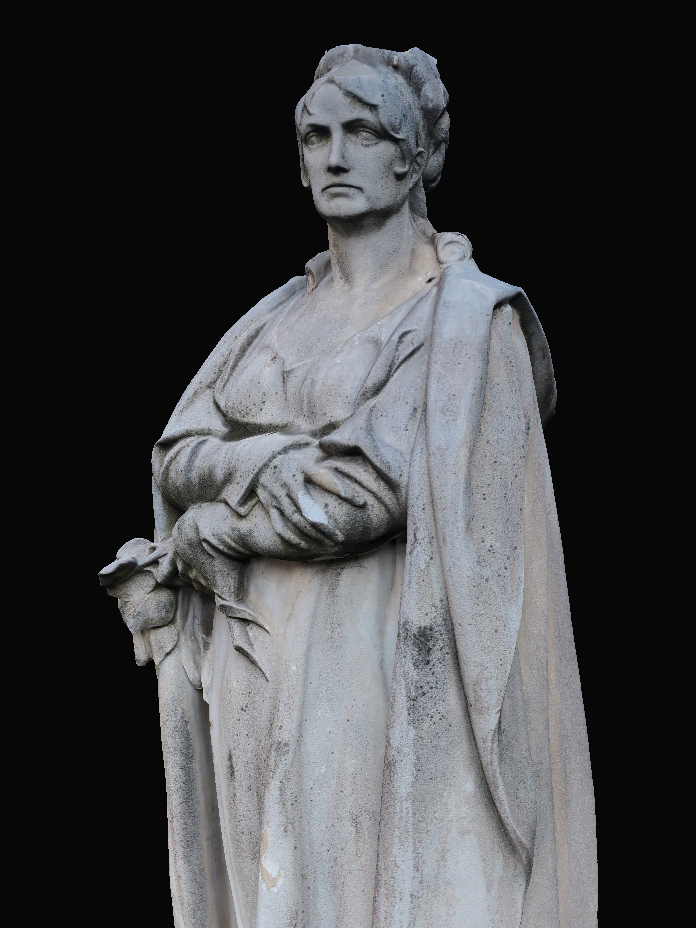
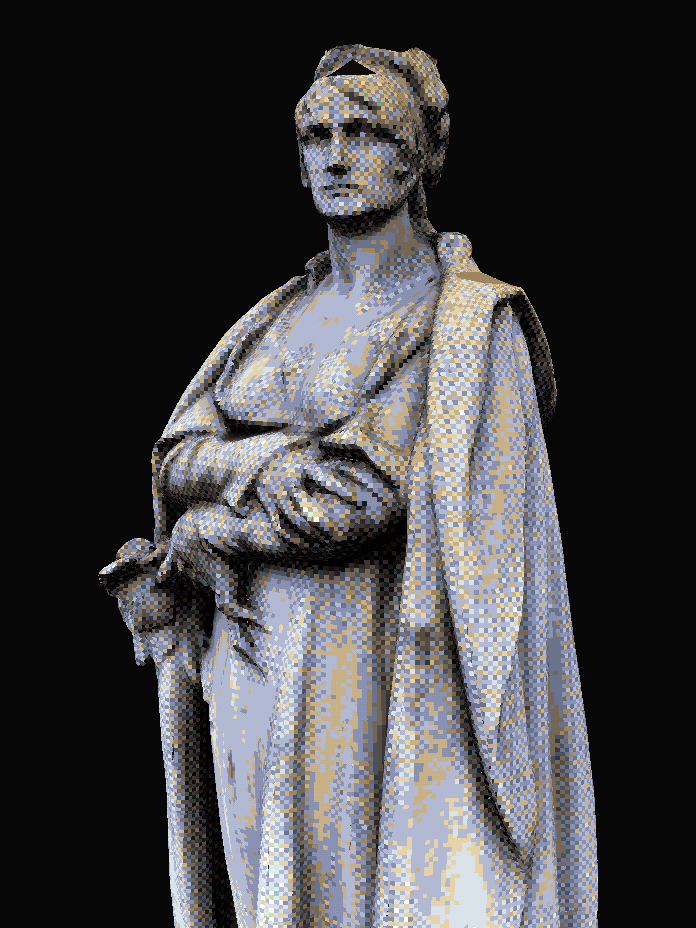
Open a glTF, GLB, FBX or OBJ model and the PSX look follows every tweak. Drag the divider to compare.

  • Vertex wobble
  • Affine texture warping
  • 240-line framebuffer
  • 15-bit dither
  • AO, cavity and curvature baking
3D view
A scanned stone statue rendered with its original texture The same statue in the PSX-style 3D view, with a dithered low-color texture Before*After

* Model: Prague Statue by Amanpreet Bajwa.
Customize

Make it yours

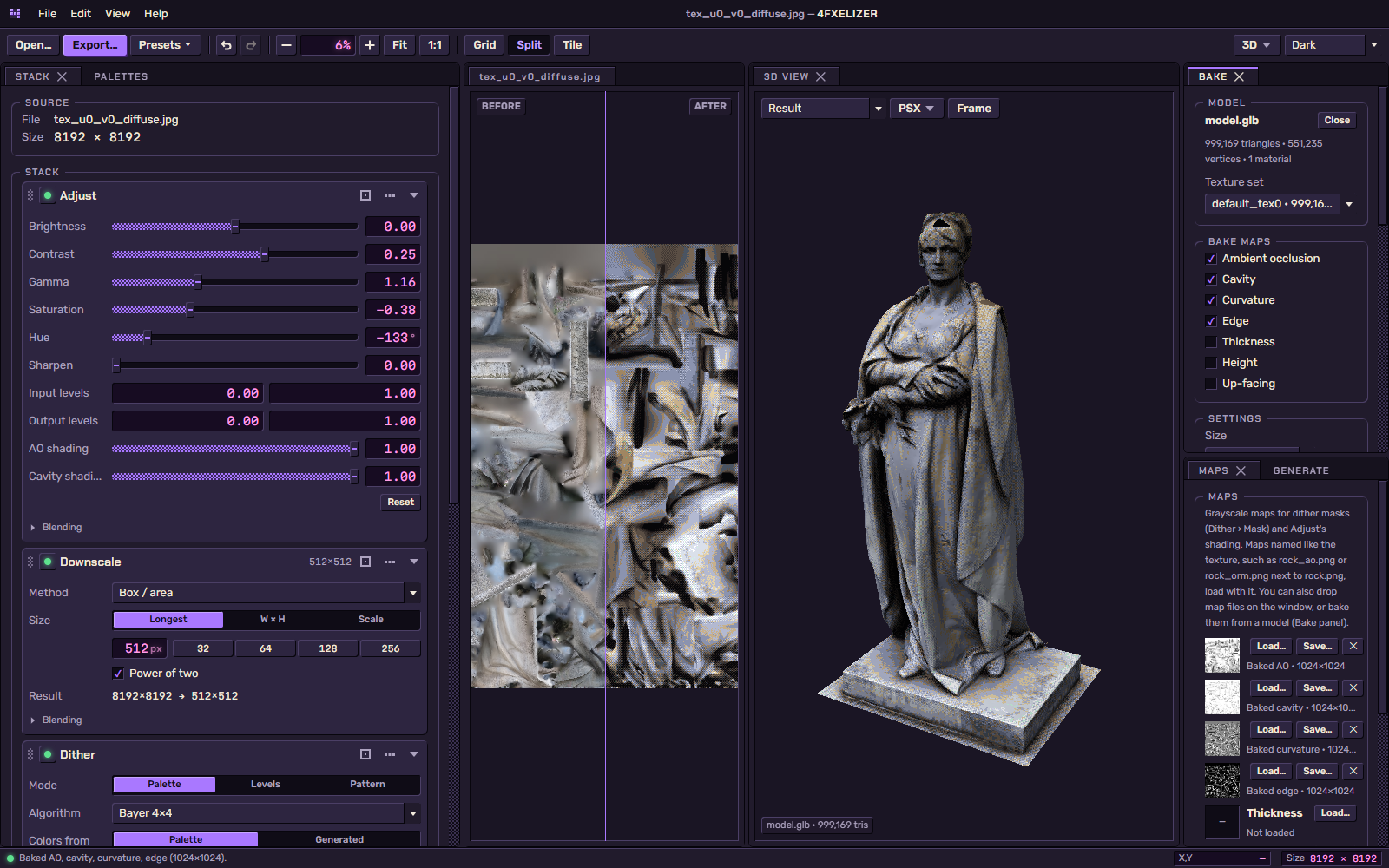
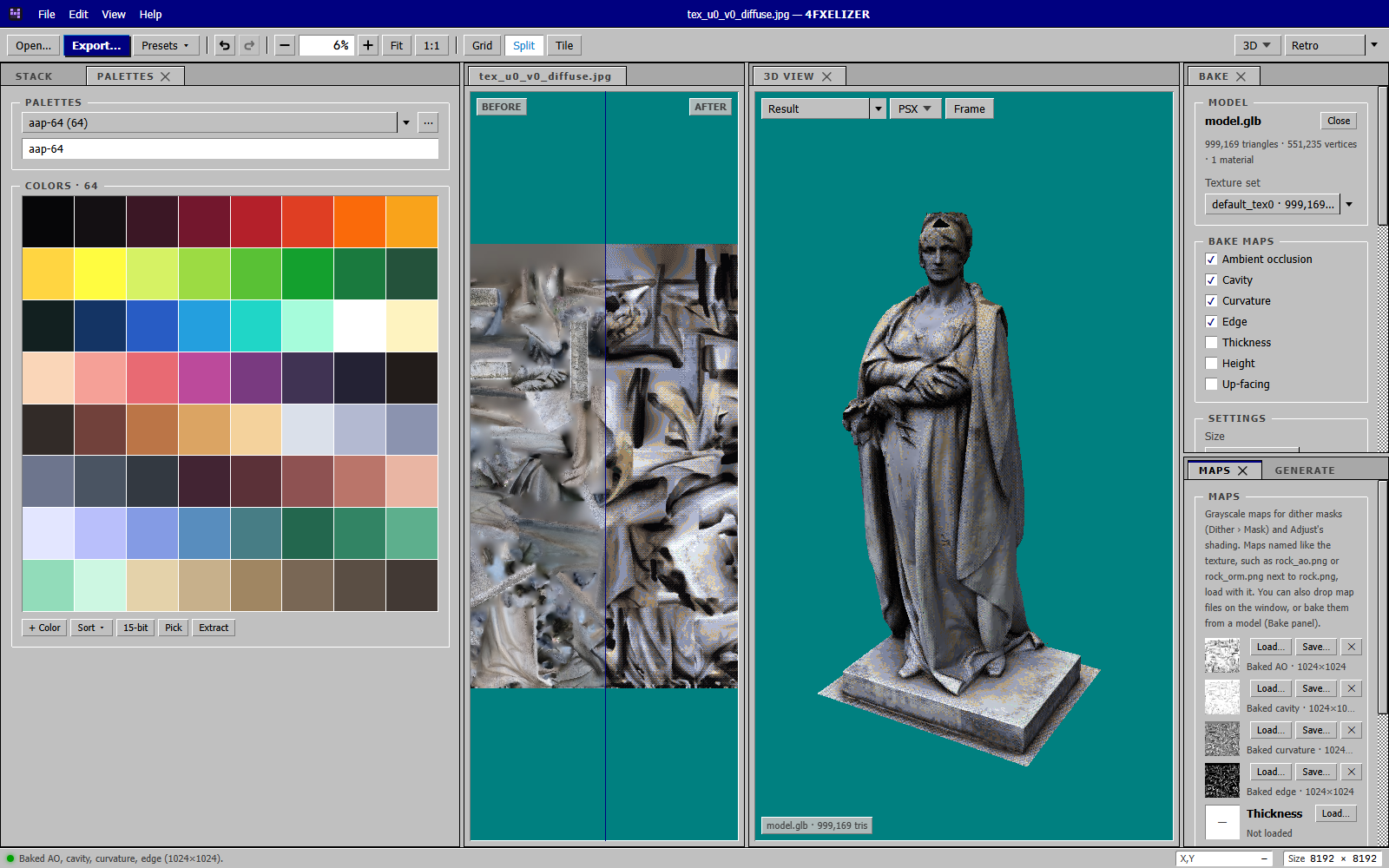
Dock, tab and float the panels, save your own workspaces, and pick one of five themes: Dark, Night, Light, Matrix or Retro. Drag to compare.

Workspaces & themes
4FXELIZER in the Dark theme, 3D workspace: the stack, the statue texture before and after, the 3D view and the bake panel The same workspace in the Retro theme, with the palette and maps panels in front Dark*Retro

* Model: Prague Statue by Amanpreet Bajwa.
Features

Everything for the retro look

Drop in a texture, tweak a few sliders, export. No setup, no scripting.

Stage stack

Build the look step by step, like adjustment layers. Reorder anything, preview any step.

Real dithering

Every classic pattern, from Bayer to Floyd–Steinberg, or bring your own.

Masks

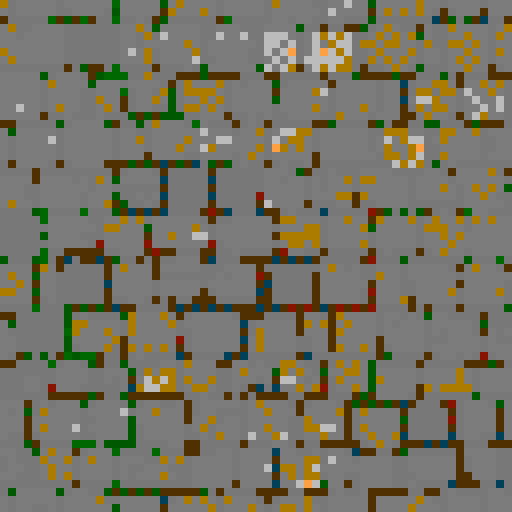
Choose where the dither goes: shadows, edges, or your AO and cavity maps.

3D preview

See the texture on your model, wobble and warping included.

Map baking

No AO map? Bake one from the model, right on your GPU.

Palettes

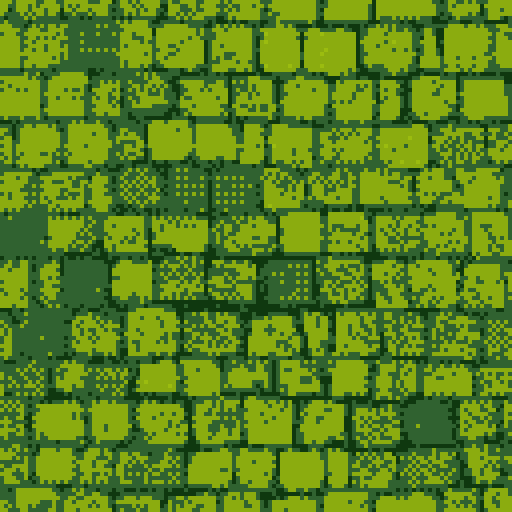
Grab colors from the image or start from NES, Game Boy, PICO-8 and friends.

Presets

PSX, N64, Game Boy and more in one click. Save and share your own.

Clean export

PNG, TGA or BMP, full color or indexed, ready for your engine.

Instant

Everything runs on the GPU, so every slider updates live.

Your workspace

Dockable panels, five themes, and a tiling view to catch seams.

Get started

Three steps

  1. Download the installer for your OS from the latest release (Windows setup, macOS dmg, Linux AppImage or deb). Builds are not code-signed yet, so Windows SmartScreen or macOS Gatekeeper may warn.
  2. Drop a texture into the window (PNG, JPG, TGA and more), or use File › Open Image….
  3. Pick a preset or tweak the stack, compare with the split view, then export a PNG, TGA or BMP, full color or indexed.

Needs a GPU with WebGPU support. Windows 11 is the verified platform so far; macOS and Linux builds are produced by CI and feedback is welcome.

Build from source:

$ git clone https://github.com/forfex/4fxelizer.git
$ cd 4fxelizer
$ npm install
$ npm run dev